A scheduled reminder or a session right now?
Choose the way that fits your day. Both use the iPhone camera to count squats on-device, but they start differently.
- A squat alarm
- Choose a time, repeat days, and rep target. When the alarm rings, open the mission and complete your reps. This suits a break you want to plan ahead.
- Squats on demand
- Open the on-demand card when you are ready. Choose reps per set, the number of sets, and a rest period. No scheduled alarm is needed.
Read the iOS alarm details before relying on a scheduled reminder. System controls and notification settings still apply.
Plan a daytime squat reminder
- Pick a time that fits a real gap in your day, rather than a meeting or a commute.
- Create a squat alarm and choose the days it should repeat.
- Choose a manageable rep target and test the alarm on your phone.
- When it rings, find clear space and prop your phone so the camera can see your movement.
A daytime reminder is a prompt to move, not a prescribed exercise schedule. Choose the timing and movement that are appropriate for you. See the full alarm setup guide.
Start Squats on demand
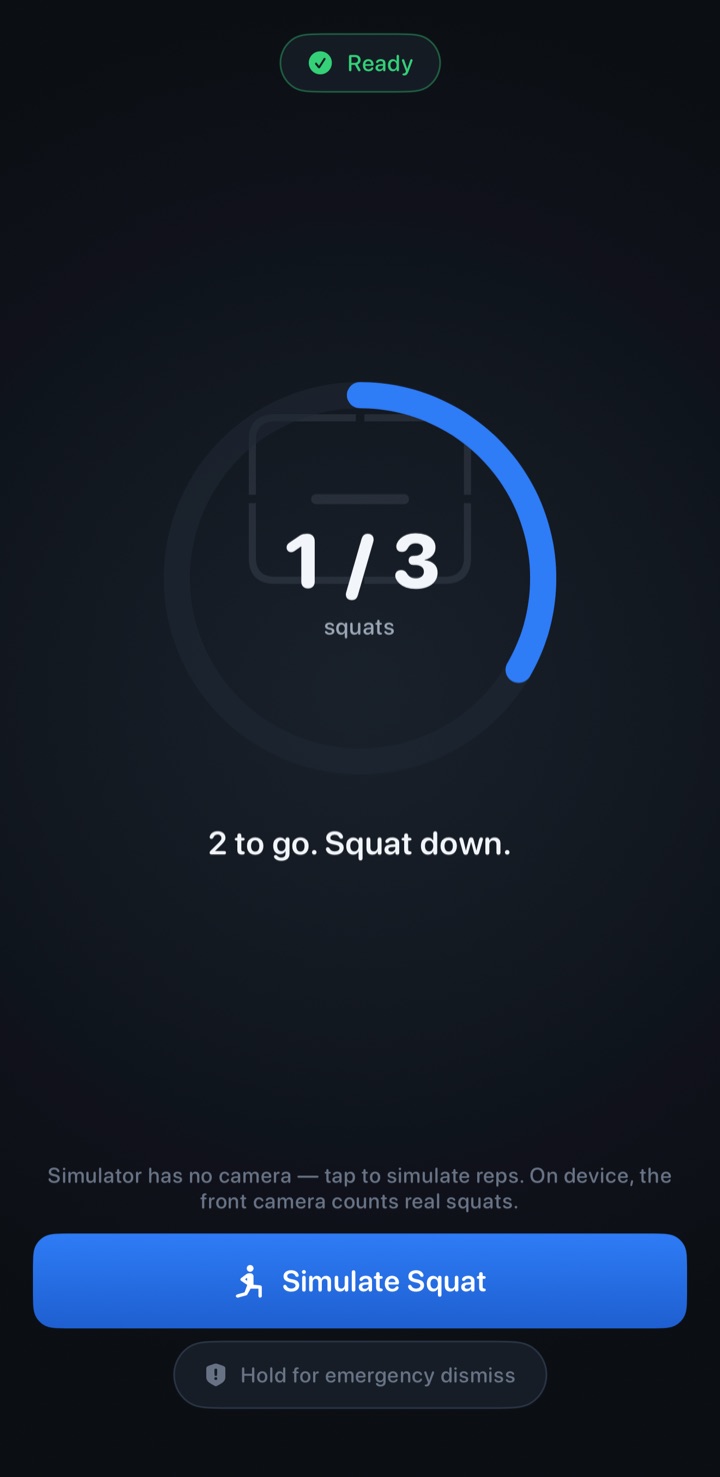
For a session without an alarm, open Squats on demand from the Alarms tab. Set your reps per set, choose the number of sets, and select a rest period. Waiker counts camera-verified reps and shows a rest countdown between sets. You can start the next set when ready.
Use a stable phone position and check that your body is visible in the preview. Start with a target you can safely complete. Stop if you need to, and use the emergency dismiss during a mission whenever necessary.
See the sessions you complete
Your dashboard brings together squat totals, streaks, a heat map, and session history. These show your activity inside Waiker; they do not measure health outcomes or guarantee a habit change.
Camera rep counting runs on your device. No video is saved or uploaded, and your app data can be exported or deleted in Settings. Read about app privacy.
Keep the break appropriate for you
Waiker counts squats; it is not a posture coach or a medical device. Only use squat missions if squats are safe for you, with enough space around you. A reminder should fit your circumstances.
For morning use, explore the squat alarm guide. For setup questions or feedback, contact Waiker.