01
Set the stakes
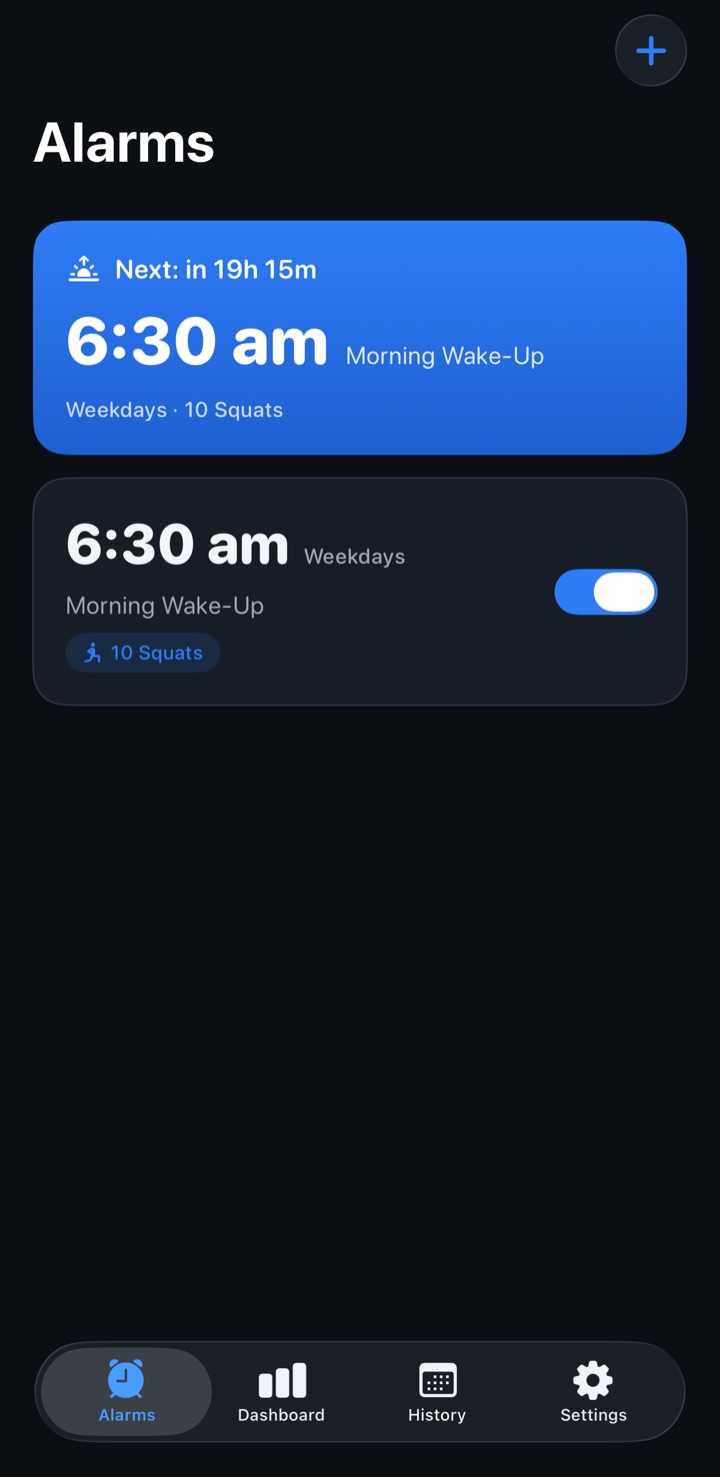
Pick your time and your target: 5, 10, 15, 25 squats — or name your number. Repeat on weekdays, then lock it so midnight-you can't water it down.
 WAIKER
Tomorrow morning. You're still asleep.
best with sound on
Morning Wake-Up · 3 squats to dismiss
go on, try it
HOLD anywhere to squat downor hold SPACE
See how that works?
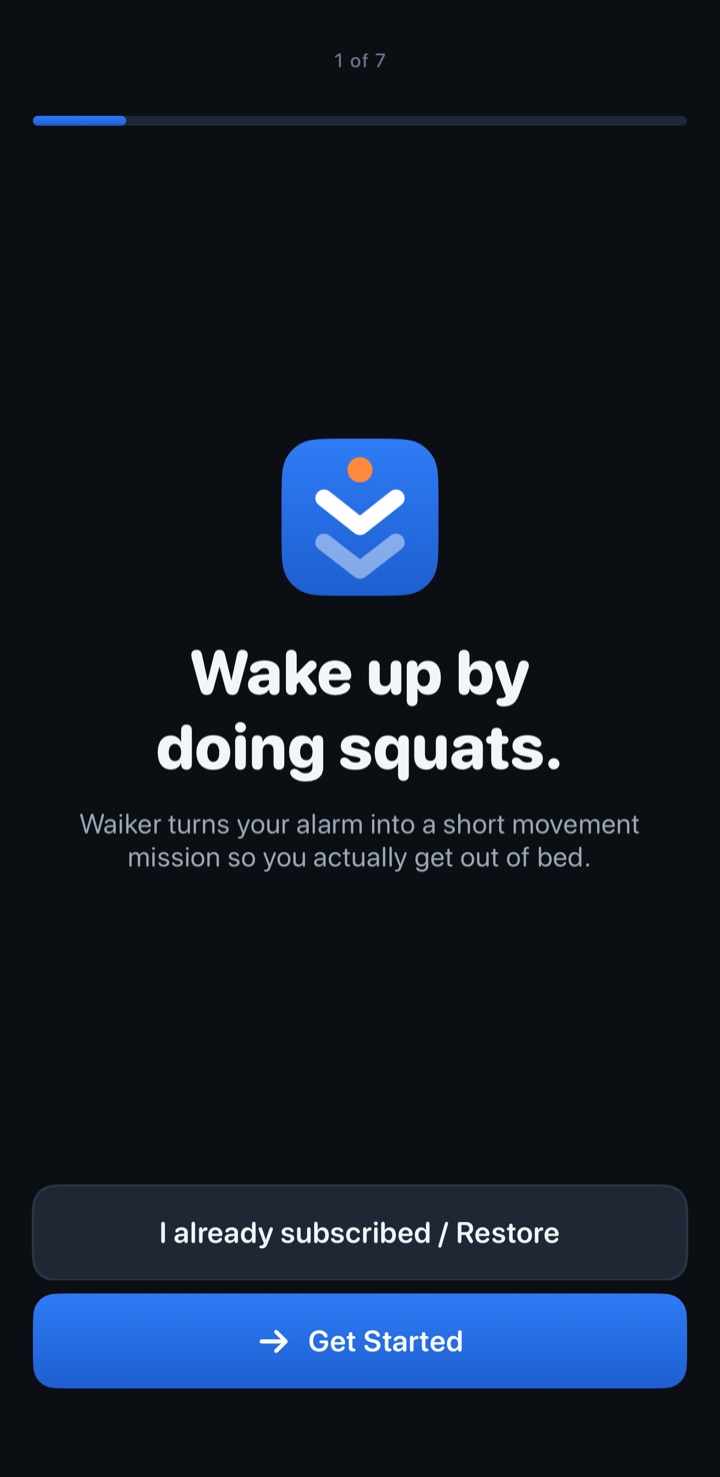
Waiker is a squat alarm for iPhone. Complete a camera-counted squat mission to dismiss the in-app alarm. Rep counting runs entirely on your phone, with an emergency dismiss whenever you need it.
Premium required for alarms · iPhone · on-device counting
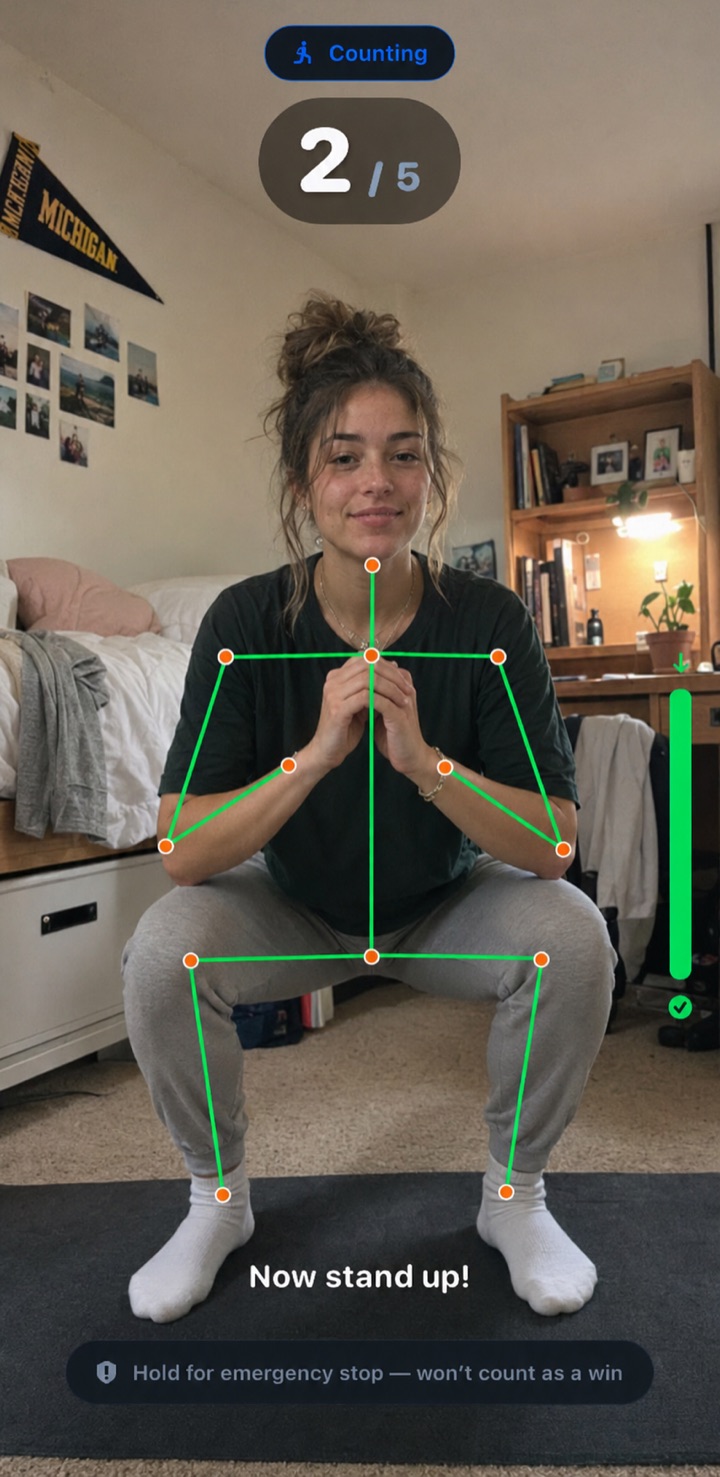
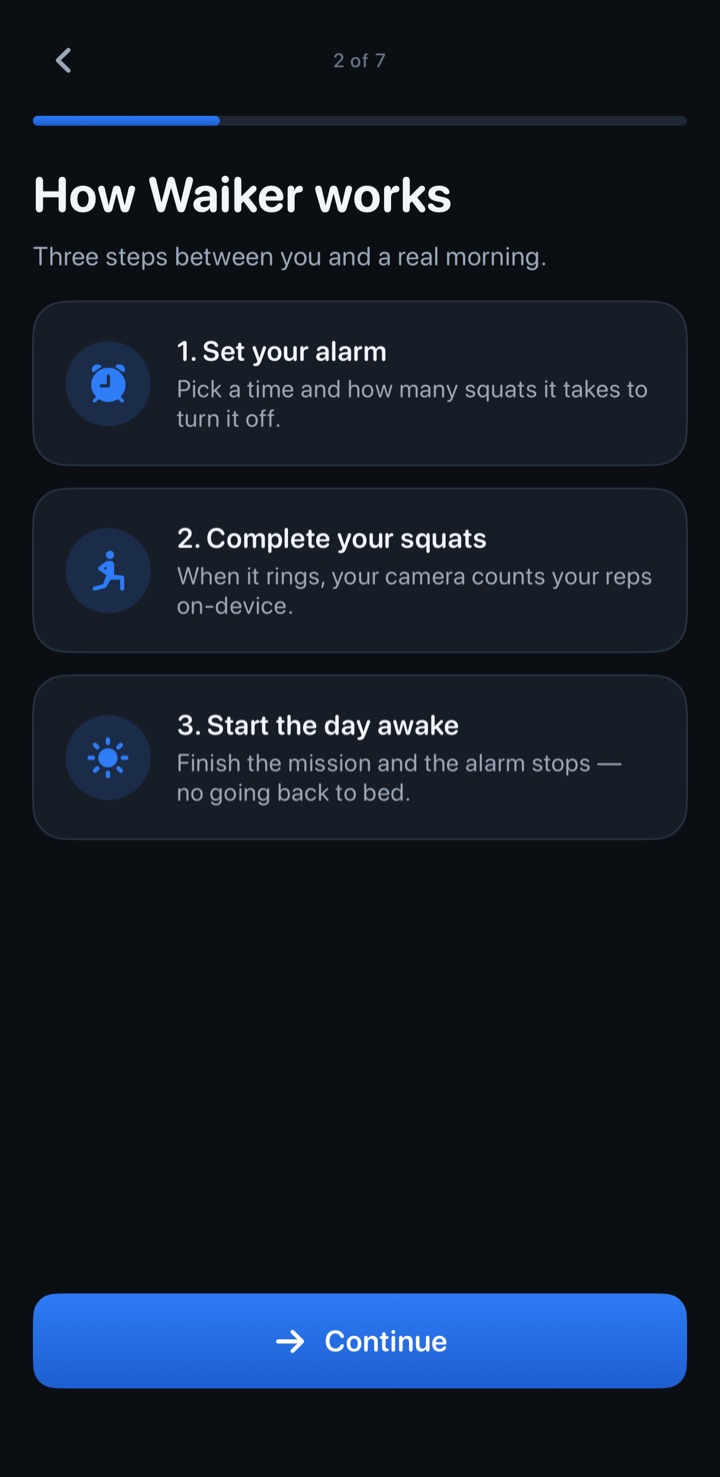
Set a squat mission, position your phone, and move through your chosen reps. Here is how a squat alarm works.
Pick your time and your target: 5, 10, 15, 25 squats — or name your number. Repeat on weekdays, then lock it so midnight-you can't water it down.
The in-app ringing screen offers a squat mission instead of a normal snooze button. iOS still controls system alarms and silencing. See how alarms work on your iPhone.
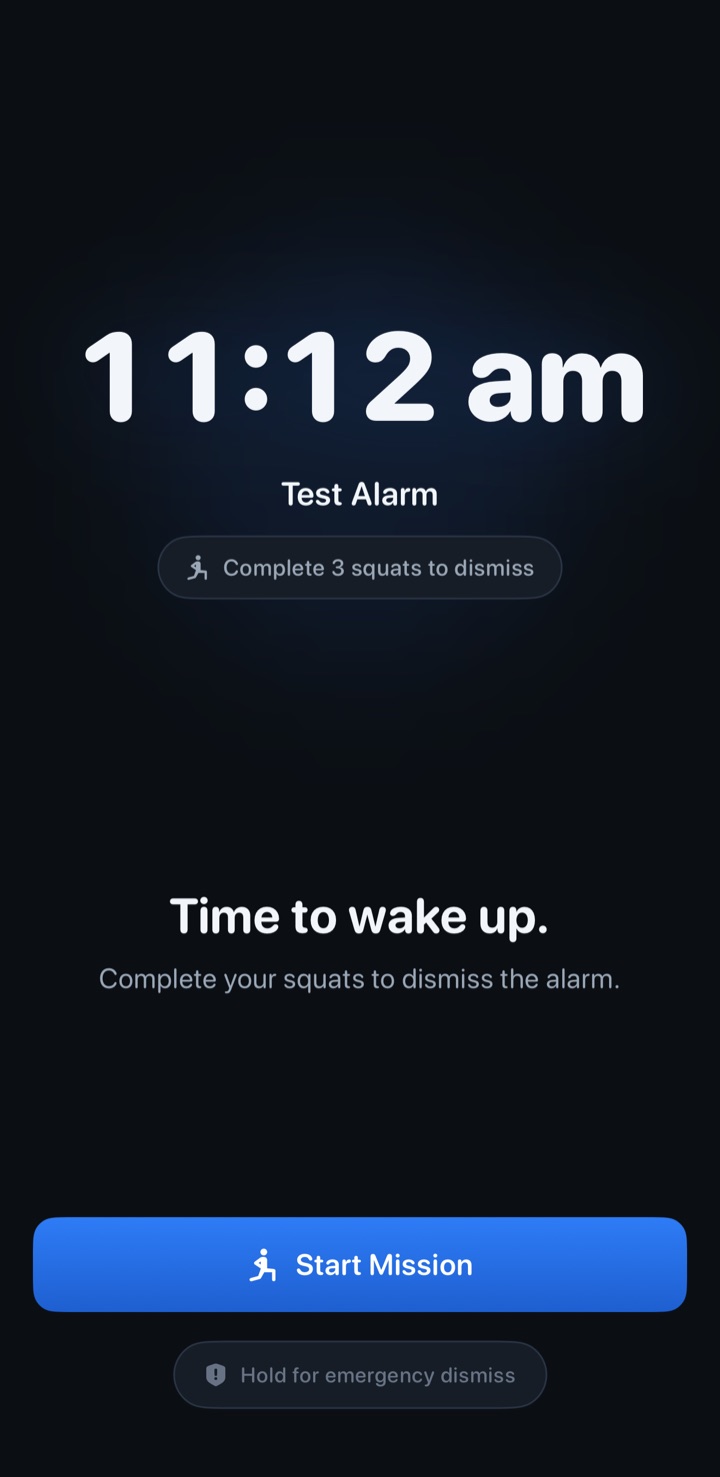
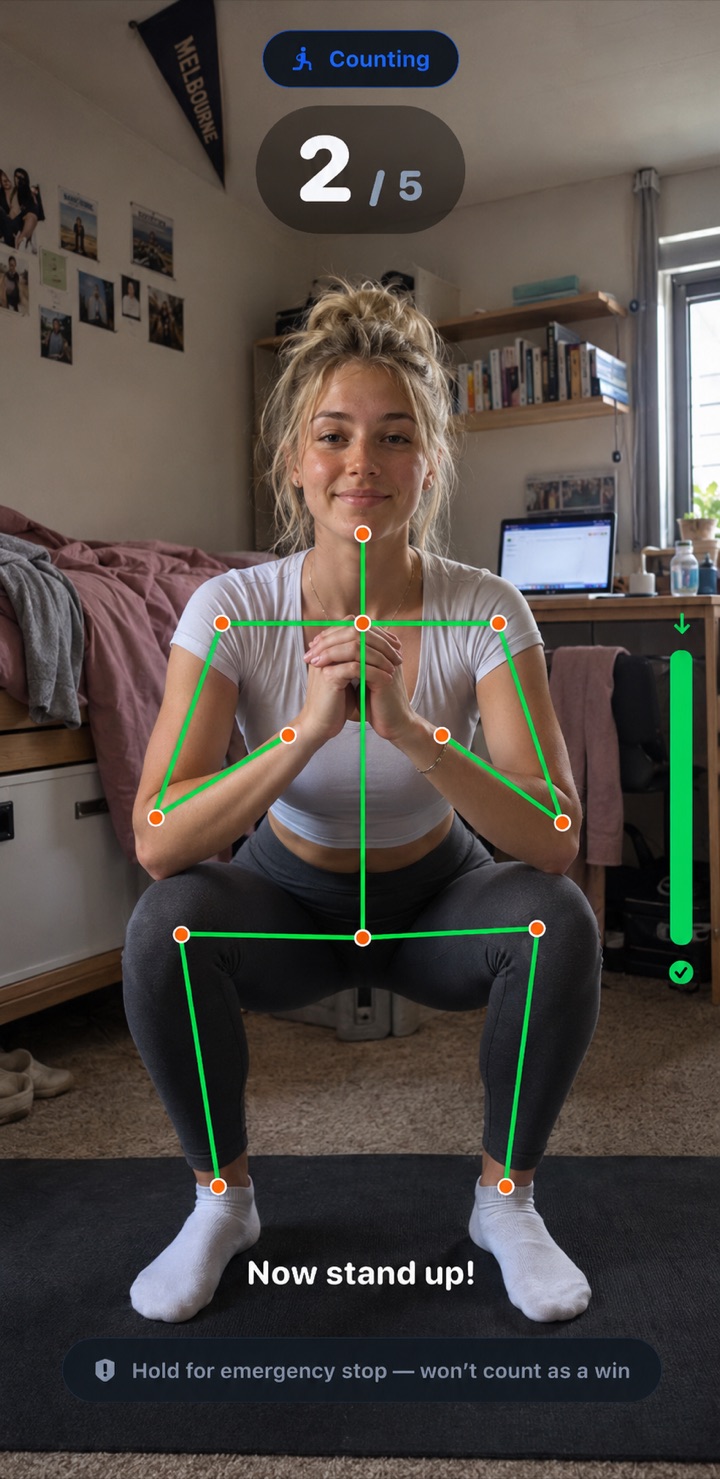
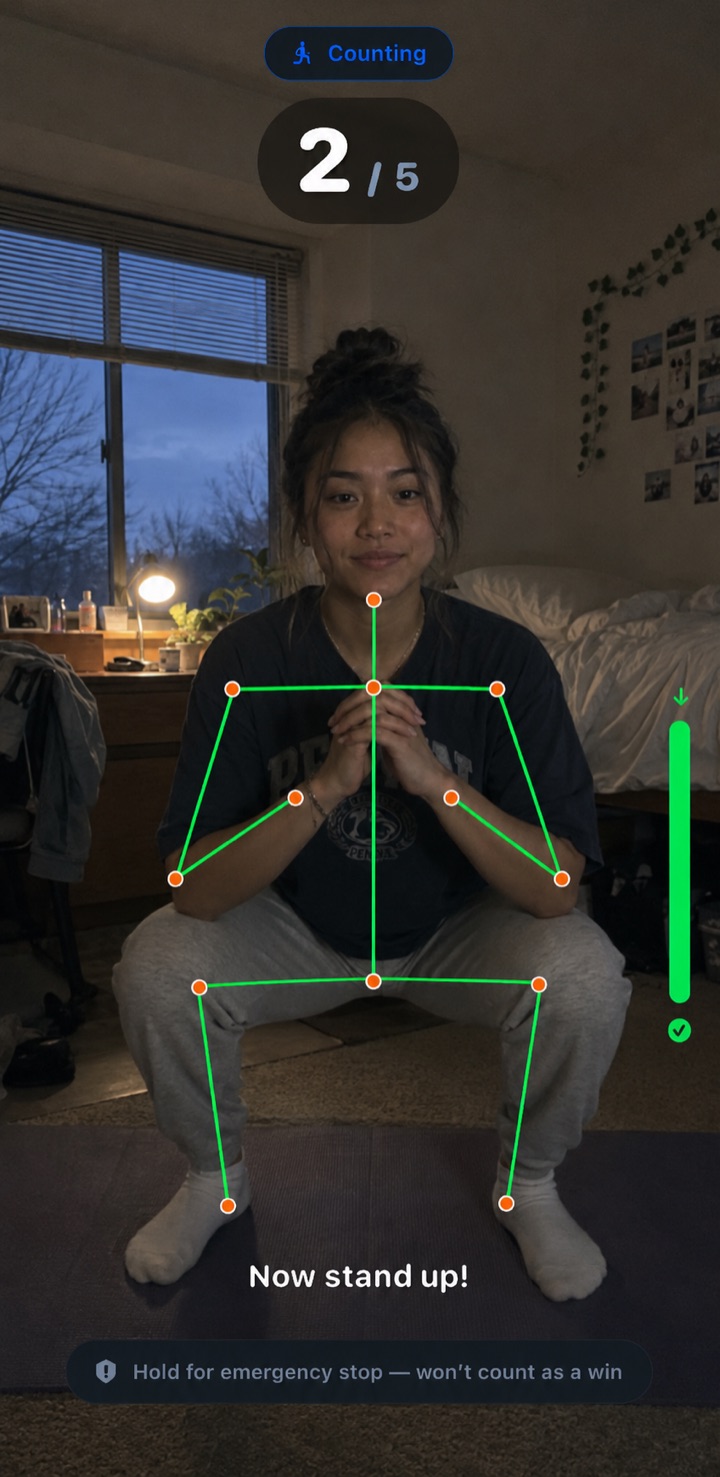
Prop the phone so your body is visible, then start moving. On-device vision estimates your pose and shows your detected squat count. Position and lighting affect detection.
Complete the mission and add a session to your history. Track your squat totals, streaks, and progress over time.
This browser demo illustrates the idea: hold to squat down, release to stand. In the iPhone app, your camera counts your actual squats on-device. This demo does not use your camera.
Alarm's ringing. Hold the button to squat.
Every detail exists to get you vertical — and to keep your bedroom exactly that: yours.
Pose detection processes camera frames on your iPhone. Waiker does not save or upload the video. Your alarm settings and session history stay in the app.
0 pixels leave your iPhoneStart gentle. Ramp up when 6:30 stops scaring you.
Choose a comfortable rep target.
Miss a morning, watch it reset. You won't let it.
🔥 21 and countingOnce the lock window begins, tonight-you can't lower tomorrow's bar. The deal is sealed at bedtime.
Sick? Injured? There's a hold-to-confirm escape hatch — try it:
3 seconds — long enough to mean it.
See your detected rep count and on-screen guidance as you move.
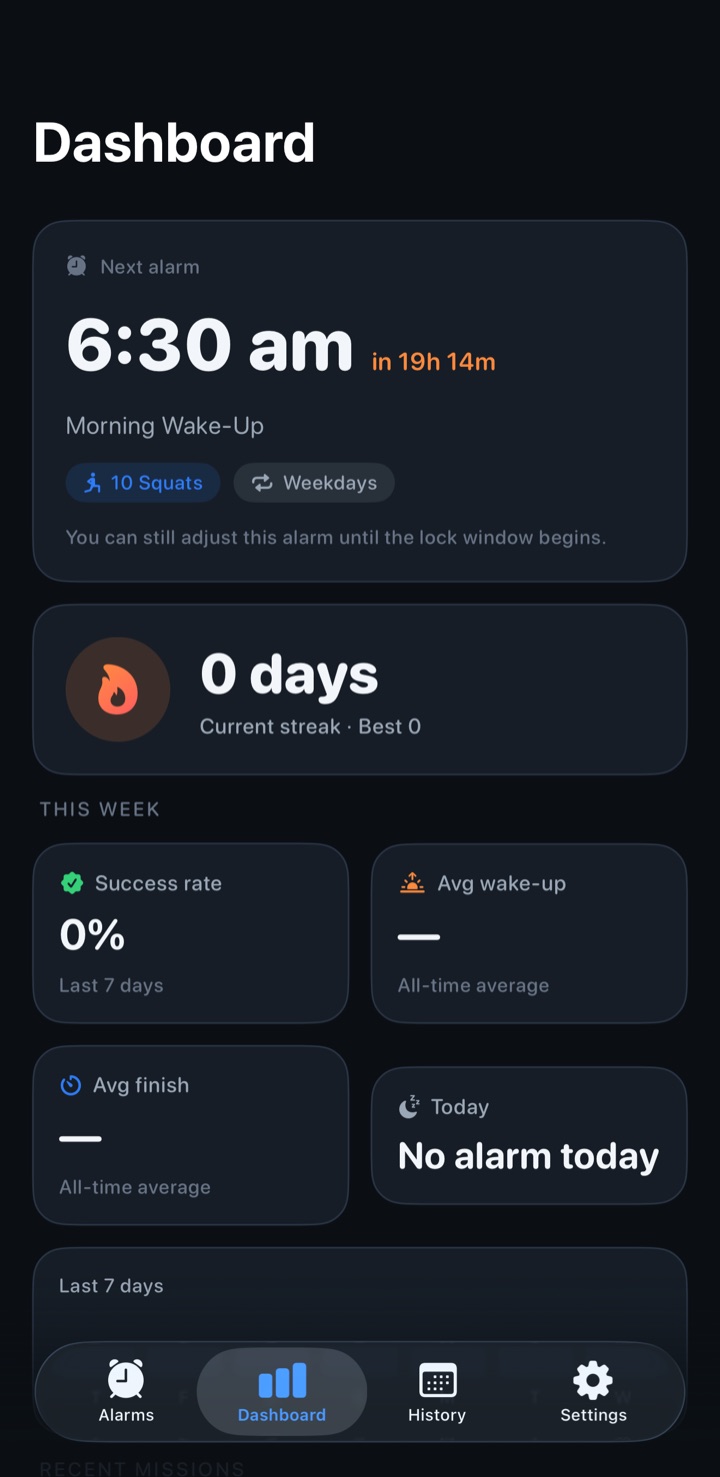
Every alarm you beat gets logged. Success rate, average wake-up, current streak — watch the numbers move and try to look away.
Illustrative dashboard, not measured user results. Your own sessions build your history.
Camera scenes and activity figures shown here are illustrations, not detection test results or customer outcomes.
Premium for alarms
Review the plans and local prices in the app before you buy. Any trial offer depends on your eligibility.
Premium is required for alarms. Apple confirms the price and purchase terms before you pay. Subscriptions renew unless canceled in your Apple account.
Complete your chosen squat mission to dismiss the in-app alarm, or use the 3-second emergency dismiss whenever you need to stop. iOS system alarms also have Apple-controlled Stop and silencing controls. Read the iOS alarm details.
Your iPhone's front camera detects your body position using on-device vision — the same skeleton overlay you see on this page. It all happens locally on your phone: no video is ever saved, streamed, or uploaded.
Absolutely. Choose Easy (5), Normal (10), Hard (15), Extreme (25), or set a custom number. Start gentle and ramp up as mornings get easier.
Waiker has no normal in-app snooze button. iOS system controls can still stop or silence alerts. Follow-up alerts depend on scheduling and system delivery; local notification reminders on iOS 17–25 also depend on your sound and Focus settings. Test on your device and keep a backup alarm when missing a wake-up would be a problem. Read the iOS alarm details.
Yes. Waiker: Squat Alarm is available on the App Store for iPhone with iOS 17 or later. Review local prices, available plans and any eligible trial in Waiker before purchase.
Get to know the setup, the camera, and the controls before your first squat mission.
Choose a rep target, position your camera, and understand the differences between iOS system alarms and local notifications.
Read the squat alarm guide →Use repeat squat alarms during the day, or start sets and reps with timed rest using Squats on demand.
Explore movement breaks →
Your first win is in —:—:—
Download tonight. Set one alarm. Meet the person who shows up at 6:31.
Download on the App StorePremium required for alarms · Local prices and eligible offers shown in Waiker before purchase